
Native Navigation is a sample application built with React Native and
React Navigation 4.0. I built this app to demonstrate the uses of React
Navigation using DrawerNavigator and TabNavigator. I also used
NativeBase as my UI framework to enhance my interface.
Aside from testing Native News on IOS and Android simulators, I have a production build running on my iPhone.
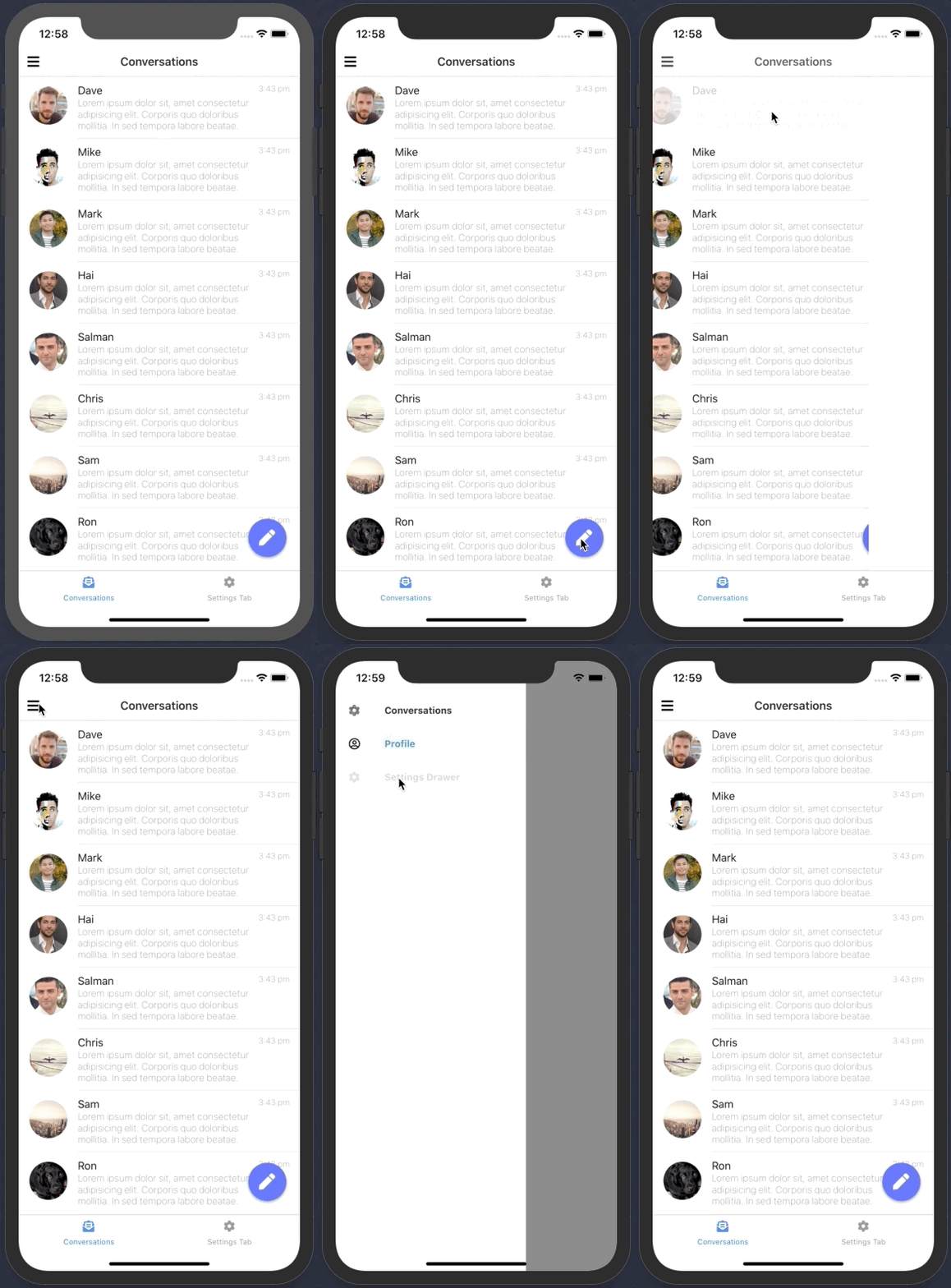
Here is a breakdown of what the app contains:
- Swipeable DrawerNavigator to navigate to different routes
- TabNavigator located on the Home route
- Clicking the fab icon navigates to a 'Create Conversation' page
- A mapped list of static conversations that can be clicked on to navigate to a conversation screen
If you have not developed with React Native before, I highly recommend visiting the React Native Docs to get better acquainted with the setup process using the React Native CLI tools. Once you have followed the steps for your first time set up as noted above, please follow the steps below:
- run
sudo gem install cocoapods - cd into the ios folder &
pod install - cd back into nativeNews
- run
yarn install react-native run-ios --simulator=“iPhone 11”. Dependant on your version of Xcode, there may be an unresolved bug that defaults to starting the simulator on an iPhone X resulting in an error that states no iPhone X can be found. This is probably because the iPhone X simulator isn't downloaded on your Xcode. You can either download it and runreact-native run-iosor start the app on a specific simulator as mentioned above.
- Make sure you have your team specified in Xcode. If you do not, please open
nativeNews.xcworkspacein Xcode, navigate to native to the folder icon located under the Play icon > nativeNews > signing and capabilities > All > Add yourself to the team. - Article to help resolve the xcrun error.
killall -9 noderm -rf node_modulesyarn cache cleanyarnreact-native run-iosorreact-native run-ios --simulator="of your choice"