Repository navigation
Home

Browse, verify and manage Nintendo Switch packages in a Windows desktop application based on LibHac.
Download · Documentation · Screenshots · Changelog · Discord
- Download and extract the x64, x86 or Windows ARM64 WPF viewer ZIP matching your system.
- Choose self-contained to include .NET, or install .NET 10 Desktop Runtime for the standard ZIP.
- Start
NxFileViewerFork.exefrom a writable folder and configure your keys under Settings → Keys. - Open a file, drop files/folders into Batch, or use the optional Explorer menu.
Firmware references, the standalone LogViewer and Explorer setup packages are separate downloads. See installation and updates.
The current development prerelease is 4.1.1-beta3; see the changes since beta2. Experimental Avalonia builds have a smaller feature set than the WPF viewer.
| Feature | Capabilities |
|---|---|
| File browser | NSP, NSZ, XCI, XCZ, NCA and Super packages; content tree, metadata, images and exports |
| Integrity checks | NCA hashes and signatures, missing contents/keys, package structure and security information |
| NUP (experimental) | Base game, update and DLC metadata, ExeFS/RomFS browsing and SHA-256 verification in File and Batch |
| Batch processing | Multiple files/folders, selected-file actions, filtering, sorting, saved history and CSV/Excel export |
| Renaming | Independent game/update/DLC/Super/multi-package presets, custom variables, simulation and target folders |
| Compression | NSP ↔ NSZ and XCI ↔ XCZ using nicoboss/nsz or nscb_rust, with source/output verification |
| Package tools | Convert, merge and split NSP/XCI using nscb_rust or Kronos; merge order game → update → DLC |
| Homebrew and SD | NRO metadata, read-only NAX0, FAT32 split NCAs and emuMMC content discovery |
| Sphaira MTP | Import Switch files/folders into a local cache; experimental direct reading |
| NAND | Read-only dump analysis and partition export through NxNandManager |
| Archives | ZIP/7z, nested archives, game packages and firmware folders |
| Firmware | Identify and verify firmware sets; online references and optional offline hashes |
| Explorer integration | Classic/Windows 11 menus, file associations and multi-file open, verify and package actions |
| Key management | prod.keys/title.keys discovery, validation, custom paths and missing-key diagnostics |
| Title sources | Configurable title-name providers and title websites |
| Updates | Application/plugin update checks, architecture/runtime matching and verified downloads |
| Diagnostics | Live logs, retained sessions and a separate LogViewer |
| Interface | English, French, German and Spanish; light/dark/system themes; shared workspace with retained results |
Detailed workflows, configuration and limitations are in the documentation.
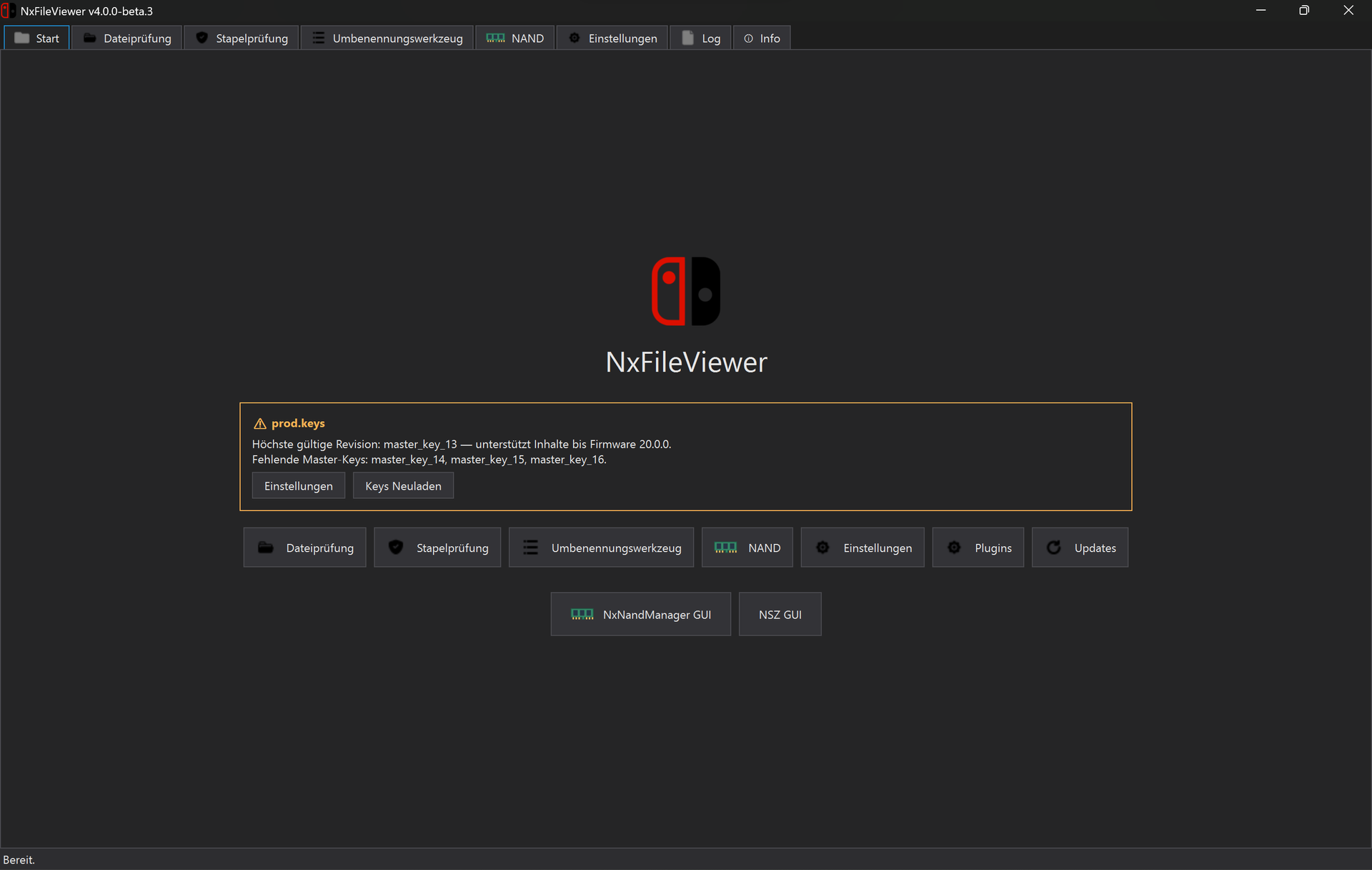
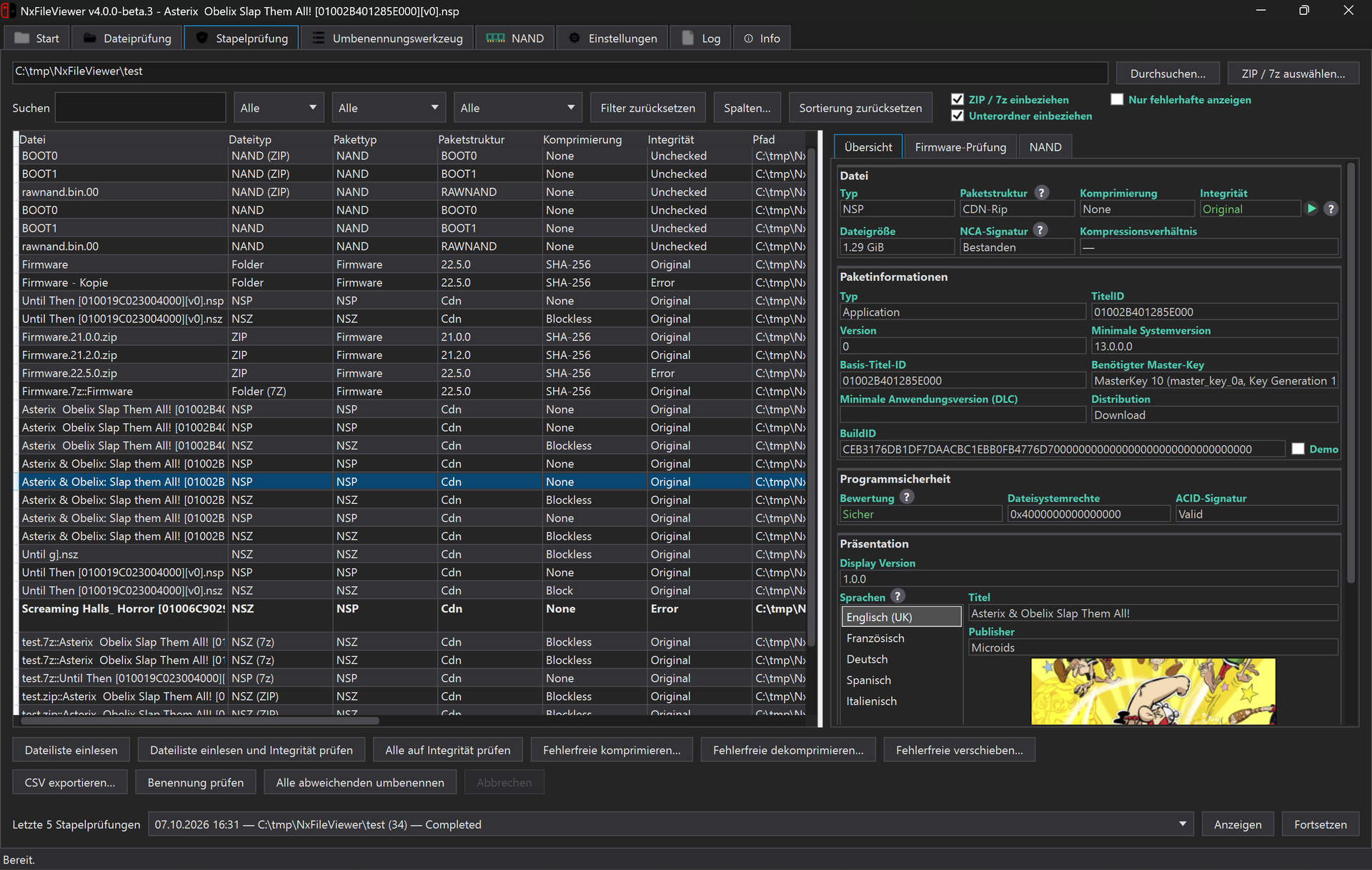
Report bugs or feature requests, find your Support ID and participate in polls under Info. See feedback, polls and usage statistics for public/private log choices, reminders, optional reporting and companion-service requirements.
Build with the .NET 10 SDK on Windows; see build, tests and publishing. Default settings and naming presets are editable under src/config.
Based on Myster-Tee/NxFileViewer and LibHac. See credits, license and third-party notices.