
Elm Architecture TUI framework for TypeScript. A pure TypeScript port of charmbracelet/bubbletea with zero runtime dependencies. Version 1.2.0 targets API and behavior parity with upstream Bubble Tea v2.0.10. See CHANGELOG.md for what each upstream sync ported.
Read the article: Getting Started with Bubble Tea in TypeScript · Porting Bubble Tea from Go to TypeScript
- Full Elm Architecture:
init,update,viewlifecycle - Keyboard and mouse input parsing (CSI, SS3, SGR, Kitty protocol)
- Alt screen, bracketed paste, focus reporting
- Standard renderer with automatic 60fps flushing
- Commands:
Batch(concurrent),Sequence(ordered),Tick,Every - External cancellation via
AbortSignal - Raw mode management, SIGINT/SIGTERM/SIGWINCH handling
- Works on Node.js and Bun
The TypeScript API keeps its established camel-case lifecycle (init, update, view, run, send) while mapping the complete portable v2.0.10 surface (v2.0.9 and v2.0.10 were fix-only releases on top of v2.0.8):
| Upstream Bubble Tea | TypeScript surface |
|---|---|
Model, Msg, Cmd, NewProgram, Program.Run/Send/Quit/Kill/Wait |
Model, Msg, Cmd, NewProgram, Program.run/send/quit/kill/wait |
View, NewView, View.SetContent, Cursor, NewCursor, ProgressBar, NewProgressBar |
View, NewView, View.setContent, Cursor, NewCursor, ProgressBar, NewProgressBar |
| View alt-screen, mouse, focus, paste, keyboard-enhancement, title, color, cursor, and progress fields | Corresponding camel-case View fields; string-returning legacy models remain supported |
Key, KeyMsg, press/release messages, modifiers, special/Kitty key constants |
Key, KeyMsg, KeyPressMsg, KeyReleaseMsg, KeyMod, KeyCode, ExtendedKeyCode |
Mouse, MouseMsg, button and click/release/wheel/motion messages |
Mouse, MouseMsg, MouseButton, and the four concrete message classes |
| Focus, paste, window, cursor, mode, color, clipboard, capability, terminal-version, environment, and color-profile reports | Same message names with camel-case fields and methods |
Batch, Sequence, Tick, Every, Quit, Interrupt, Suspend, ClearScreen, Raw, Println, Printf |
Same exported command names |
| Window/cursor/color/capability/version/clipboard requests | Same exported request and clipboard command names |
Exec, ExecProcess, ExecCommand, ExecCallback |
Same concepts; ExecProcess(command, args, callback) creates a Node/Bun child process after terminal release |
WithContext, environment/output/input/filter/FPS/profile/window options, signal/panic/renderer options |
Same option names; WithContext and WithAbortSignal accept AbortSignal |
OpenTTY, terminal release/restore, program printing |
OpenTTY, Program.releaseTerminal/restoreTerminal/println/printf |
The only omitted exported upstream APIs are LogOptionsSetter, LogToFile, and LogToFileWith. They configure Go's process-wide log.Default() object and return an *os.File; Node and Bun have no equivalent process-wide logger contract to mutate. Use a Node/Bun logger with an append-mode file stream instead. Terminal suspension remains unavailable on Windows, matching upstream's own suspendSupported platform gate.
npm install @oakoliver/bubbletea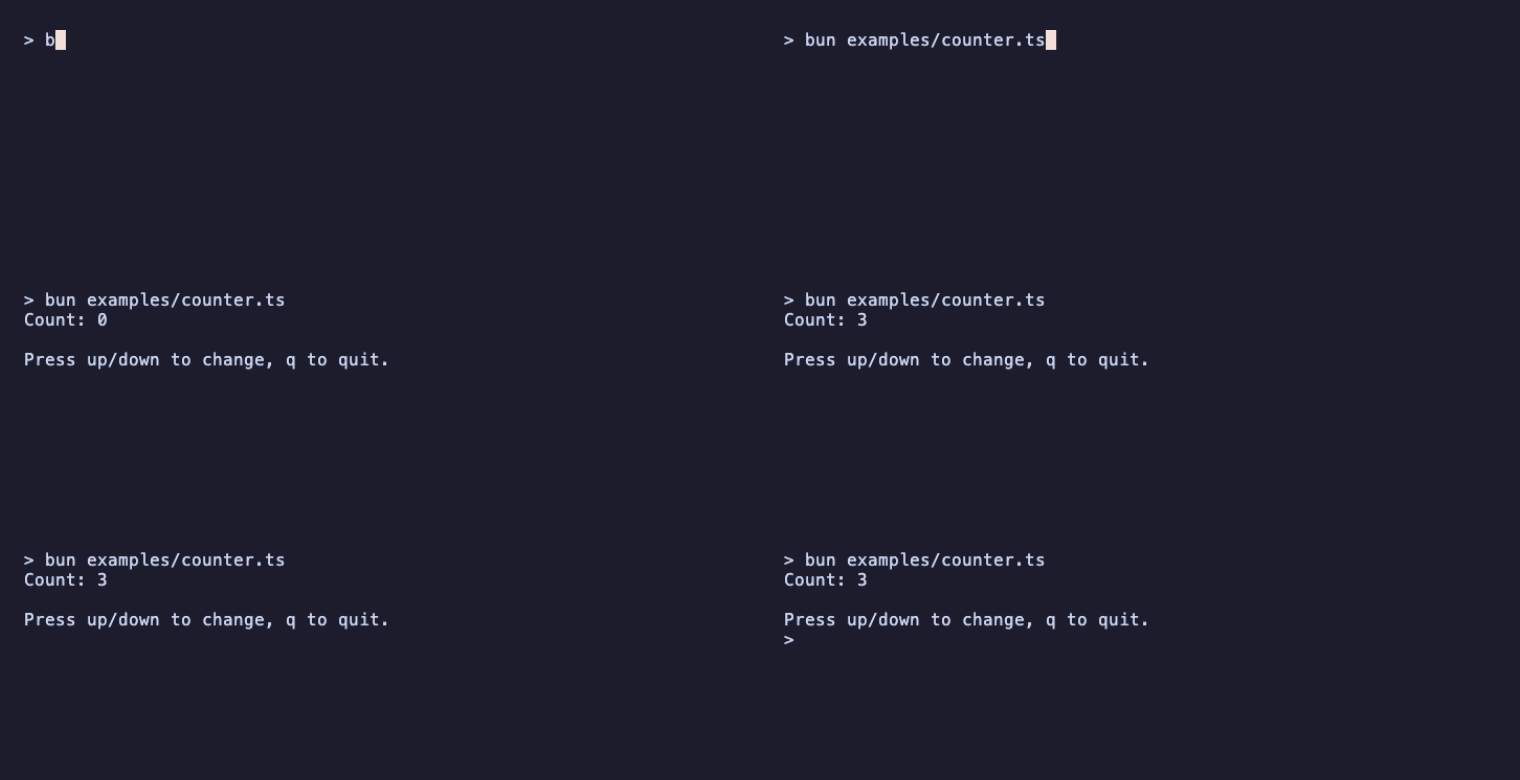
import {
  type Msg,
  type Cmd,
  type Model,
  Program,
  QuitMsg,
  KeyPressMsg,
  Quit,
} from '@oakoliver/bubbletea';

class Counter implements Model {
  constructor(public count: number = 0) {}

  init(): Cmd {
    return null;
  }

  update(msg: Msg): [Model, Cmd] {
    if (msg instanceof KeyPressMsg) {
      const key = msg.toString();
      if (key === 'q' || key === 'ctrl+c') return [this, Quit];
      if (key === 'up') return [new Counter(this.count + 1), null];
      if (key === 'down') return [new Counter(this.count - 1), null];
    }
    return [this, null];
  }

  view(): string {
    return `Count: ${this.count}\n\nPress up/down to change, q to quit.`;
  }
}

const p = new Program(new Counter());
await p.run();Runnable programs live in examples/:
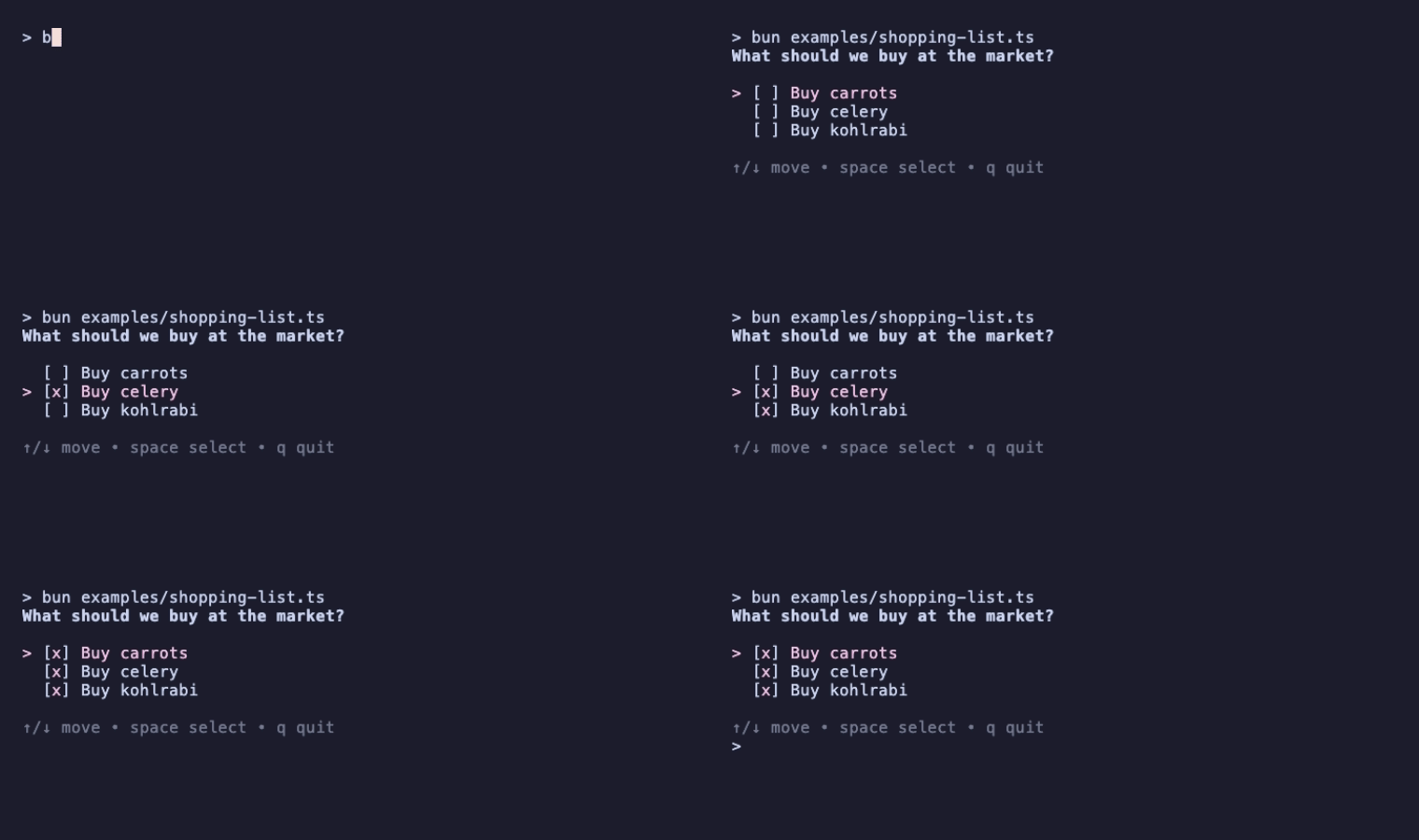
bun examples/shopping-list.ts  # the Bubble Tea basics tutorial
bun examples/counter.ts        # the Quick Start above
bun examples/countdown.ts      # Tick, Sequence and Println
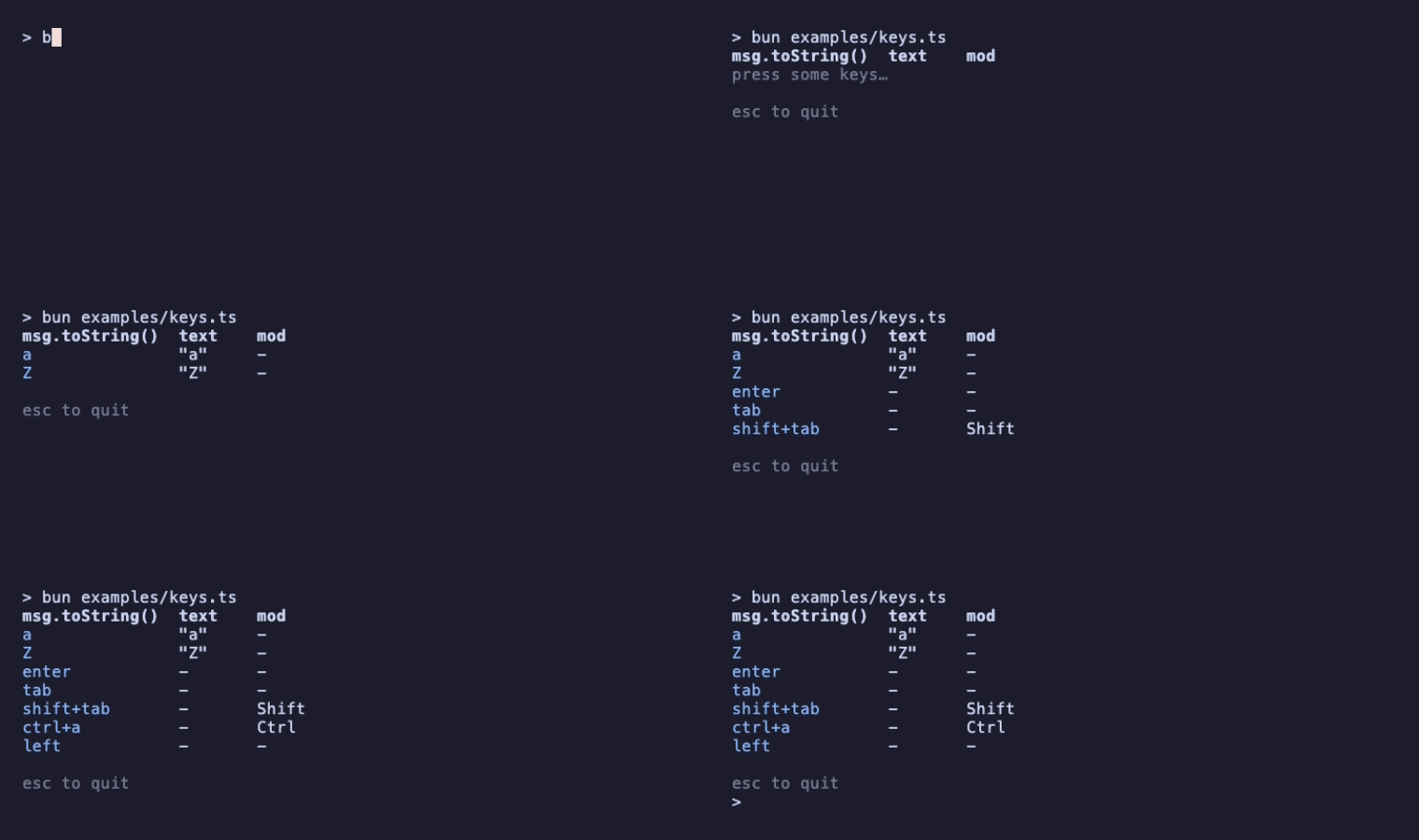
bun examples/keys.ts           # how KeyPressMsg describes each key
bun examples/window-size.ts    # alt screen + WindowSizeMsg
The README recordings are made with @oakoliver/vhs from the tapes in assets/tapes/.
Every Bubbletea program revolves around three methods on a Model:
init()— Returns an optional command to run at startup.update(msg)— Receives a message, returns the new model and an optional command.view()— Returns the current UI as a string or a declarativeView.
Messages (Msg) flow through the event loop. Commands (Cmd) are functions that produce messages asynchronously.
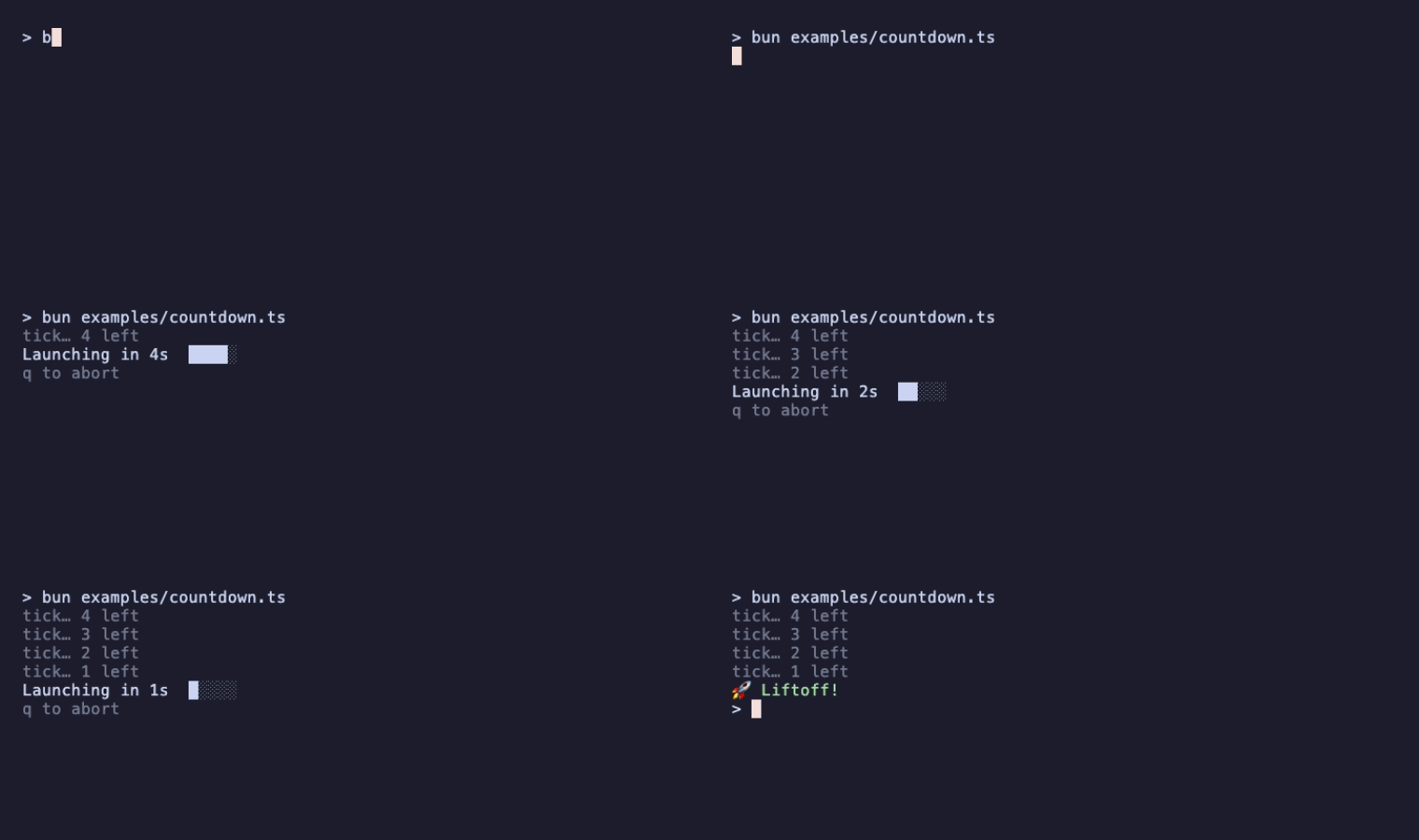
Commands are functions that return a Msg (or a Promise<Msg>). Bubbletea executes them asynchronously outside the event loop.
import { Batch, Sequence, Tick, Quit } from '@oakoliver/bubbletea';

// Run multiple commands concurrently
const cmd = Batch(cmdA, cmdB, cmdC);

// Run commands sequentially (each waits for the previous)
const cmd = Sequence(cmdA, cmdB, Quit);

// Fire a message after a delay
const cmd = Tick(1000, () => new TickMsg());Configure the program with functional options:
import {
  Program,
  WithInput,
  WithOutput,
  WithFilter,
  WithFPS,
  WithAltScreen,
  WithAbortSignal,
  WithMouseMode,
  WithWindowSize,
  WithoutRenderer,
  WithoutSignalHandler,
  WithoutCatchPanics,
  MouseMode,
} from '@oakoliver/bubbletea';

const p = new Program(
  model,
  WithAltScreen(),                   // Start in alt screen mode
  WithMouseMode(MouseMode.AllMotion), // Enable mouse tracking
  WithFPS(30),                        // Custom frame rate
  WithAbortSignal(controller.signal), // External cancellation
  WithFilter((model, msg) => msg),    // Event filter
);
With input disabled (WithInput(null)), no terminal query is ever sent, since the reply could not be read and would otherwise leak into the shell after exit: RequestBackgroundColor, RequestForegroundColor, RequestCursorColor, RequestCursorPosition, ReadClipboard, ReadPrimaryClipboard, RequestCapability, RequestTerminalVersion, RequestWindowSize (when the output stream has no dimensions), the startup mode probe, and the Kitty keyboard enhancement protocol are all skipped.
KeyPressMsg carries the parsed key event:
if (msg instanceof KeyPressMsg) {
  msg.text;       // Printable character (e.g. 'a')
  msg.code;       // KeyCode enum value
  msg.mod;        // Bitmask: KeyMod.Ctrl | KeyMod.Alt | KeyMod.Shift
  msg.toString(); // Human-readable: 'ctrl+a', 'enter', 'f1'
}
Special keys are in the KeyCode enum: Enter, Tab, Escape, Backspace, Up, Down, Left, Right, Home, End, PgUp, PgDown, Insert, Delete, F1-F12.
When mouse mode is enabled, you receive MouseClickMsg, MouseReleaseMsg, MouseWheelMsg, and MouseMotionMsg:
if (msg instanceof MouseClickMsg) {
  msg.x;      // Column
  msg.y;      // Row
  msg.button; // MouseButton enum
}WindowSizeMsg is sent on startup and whenever the terminal resizes:
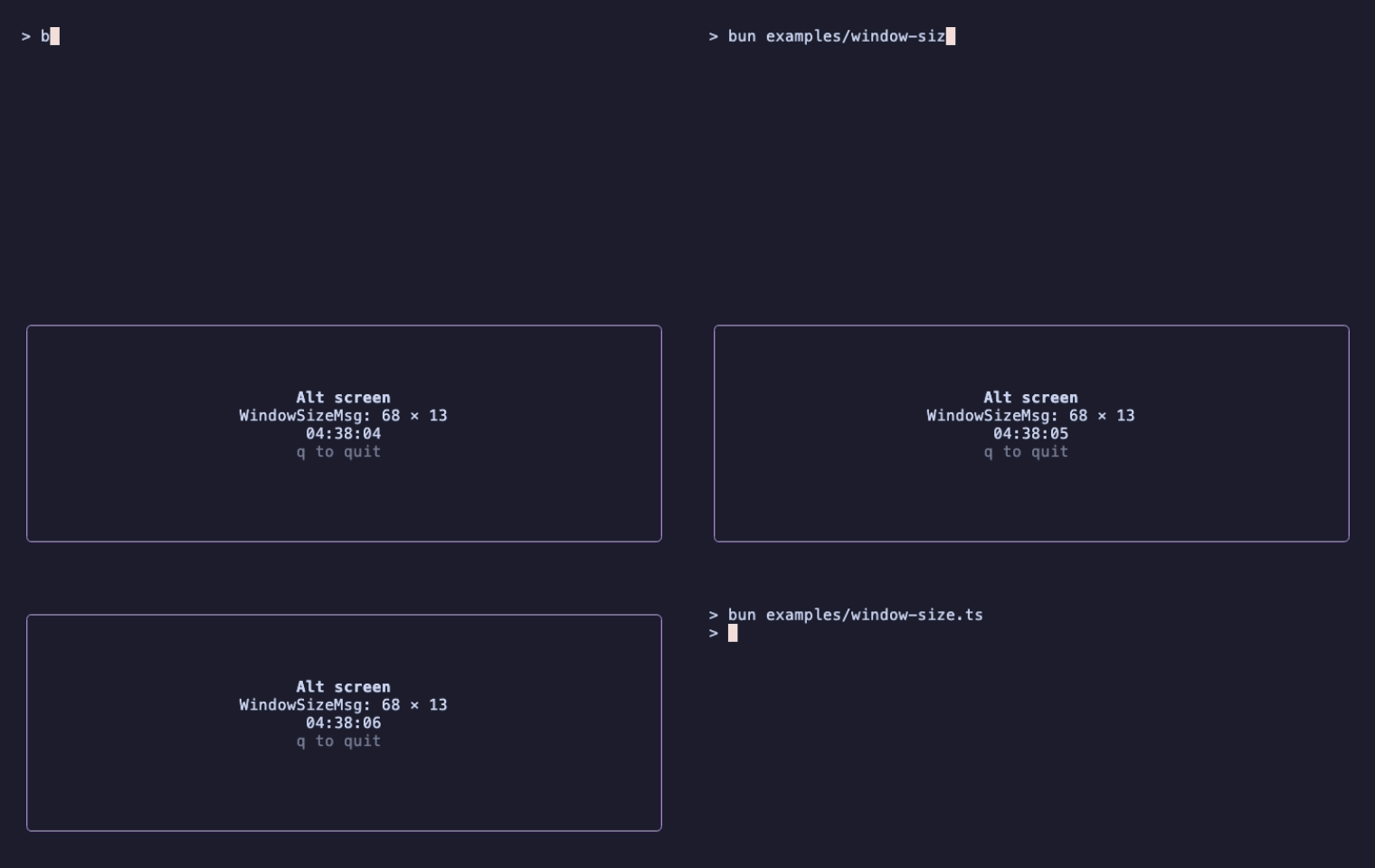
if (msg instanceof WindowSizeMsg) {
  msg.width;
  msg.height;
}const p = new Program(model);
// Send messages from outside
p.send(new CustomMsg());
// Graceful quit
p.quit();
// Immediate kill (throws ErrProgramKilled)
p.kill();
// Wait for the program to finish
await p.wait();const ac = new AbortController();
const p = new Program(model, WithAbortSignal(ac.signal));
const runPromise = p.run().catch(console.error);
// Cancel from outside
ac.abort(); // Program exits with ErrProgramKillednew Program(model: Model, ...opts: ProgramOption[])— Create a program.program.run(): Promise<Model>— Run the event loop. Returns the final model.program.send(msg: Msg): void— Send a message to the event loop.program.quit(): void— Send aQuitMsg.program.kill(): void— Immediately kill the program.program.wait(): Promise<void>— Wait until the program finishes.program.releaseTerminal()/program.restoreTerminal()— Temporarily hand terminal ownership to an interactive process.program.println(...)/program.printf(...)— Print unmanaged lines above an inline view.
Quit: Cmd— Command that sends aQuitMsg.Batch(...cmds): Cmd— Run commands concurrently.Sequence(...cmds): Cmd— Run commands in order.Tick(durationMs, fn): Cmd— Fire after a delay.Every(intervalMs, fn): Cmd— Fire once at the next wall-clock interval boundary; schedule it again fromupdatefor repetition.
QuitMsg— Graceful exitKeyPressMsg/KeyReleaseMsg— Keyboard eventsMouseClickMsg/MouseReleaseMsg/MouseWheelMsg/MouseMotionMsg— Mouse eventsWindowSizeMsg— Terminal resizeFocusMsg/BlurMsg— Terminal focusInterruptMsg— Ctrl+C / SIGINTSuspendMsg/ResumeMsg— Process suspend/resumeClearScreenMsg/PrintLineMsg— Renderer controlEnvMsg/ColorProfileMsg— Startup environment and detected/forced color profileKeyboardEnhancementsMsg/ModeReportMsg— Terminal protocol capability reportsClipboardMsg/ color messages /CapabilityMsg/TerminalVersionMsg— Query responses
ErrProgramKilled— Program was killed viakill()orAbortSignalErrProgramPanic— Unhandled exception inupdate()or a commandErrInterrupted— SIGINT / Ctrl+C
This is a TypeScript port of bubbletea by Charmbracelet, Inc., licensed under MIT.
MIT