You signed in with another tab or window. Reload to refresh your session.You signed out in another tab or window. Reload to refresh your session.You switched accounts on another tab or window. Reload to refresh your session.Dismiss alert
{{ message }}
Repository navigation
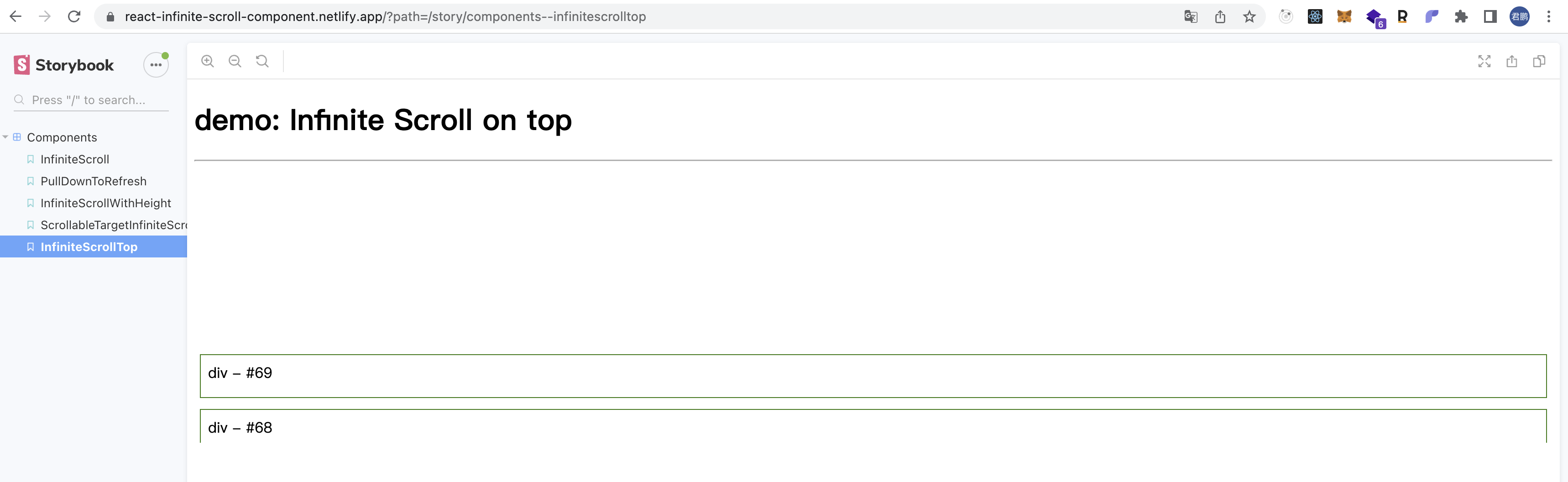
When inverse=true, the fast sliding sub component cannot be displayed normally #362
@ankeetmaini
Facing the same issue.
Also, observed that this is happening in newer version of chrome. (Version 108.0.5359.98 (Official Build) (x86_64))
I created my own Infinite Scroll component, using intersection observer from JS where this bug does not occur.
I want to provide a repository with example.
I created my own Infinite Scroll component, using intersection observer from JS where this bug does not occur. I want to provide a repository with example.
I think its a bug with the browser rather than the component.
flexDirection: 'column-inverse' causes issue with updated version of browsers.
for now the only fix that worked for me is setting css property on the items contentVisibility: 'auto'.
This forces to render the element if not rendered already

Activity
chetan-zdev commentedon Dec 15, 2022
@ankeetmaini
Facing the same issue.
Also, observed that this is happening in newer version of chrome. (
Version 108.0.5359.98 (Official Build) (x86_64))cjambrosi commentedon Dec 16, 2022
I have the same problem. It seems to only happen with Chrome. I've only tested it on Chrome and Safari so far.
ShareTheWorld commentedon Dec 24, 2022
I have the same problem. I've only tested it on Chrome
leejunhui commentedon Dec 29, 2022
I've just encountered the issue with Chrome 108.0.5359.124
cjambrosi commentedon Dec 29, 2022
I created my own Infinite Scroll component, using intersection observer from JS where this bug does not occur.
I want to provide a repository with example.
AmitEquipHealth commentedon Dec 30, 2022
Same issue, any possible fixes.
WhiteSpace.mov
AmitEquipHealth commentedon Jan 2, 2023
Any links for reference to your implementation?
AmitEquipHealth commentedon Jan 6, 2023
I think its a bug with the browser rather than the component.
flexDirection: 'column-inverse' causes issue with updated version of browsers.
for now the only fix that worked for me is setting css property on the items contentVisibility: 'auto'.
This forces to render the element if not rendered already
Hope this helps.
gannkb77 commentedon Jan 23, 2023
'contentVisibility:auto' did not fix this for me
gannkb77 commentedon Jan 23, 2023
https://codesandbox.io/s/nostalgic-wozniak-dpitnd?file=/src/index.js
Here's an implementation where this occurs.
jingguangyan commentedon Jul 21, 2023
Maybe add
contentVisibility: autoto each item. This works for me.jingguangyan commentedon Jul 30, 2023
contentVisibilityis experimental, compatibility is not very good, please use with caution in production environment.jingguangyan commentedon Aug 1, 2023
https://stackoverflow.com/questions/74617048/chrome-wont-render-items-when-flex-direction-row-reverse-column-reverse-wit